A modern cross-platform process manager with real-time monitoring, performance profiles, power control, and a full audio mixer. The Task Manager, Activity Monitor, and System Monitor alternative — built in Rust.
Free core, forever·No account required·A window into every process
Core
Every process, every metric — in real time.
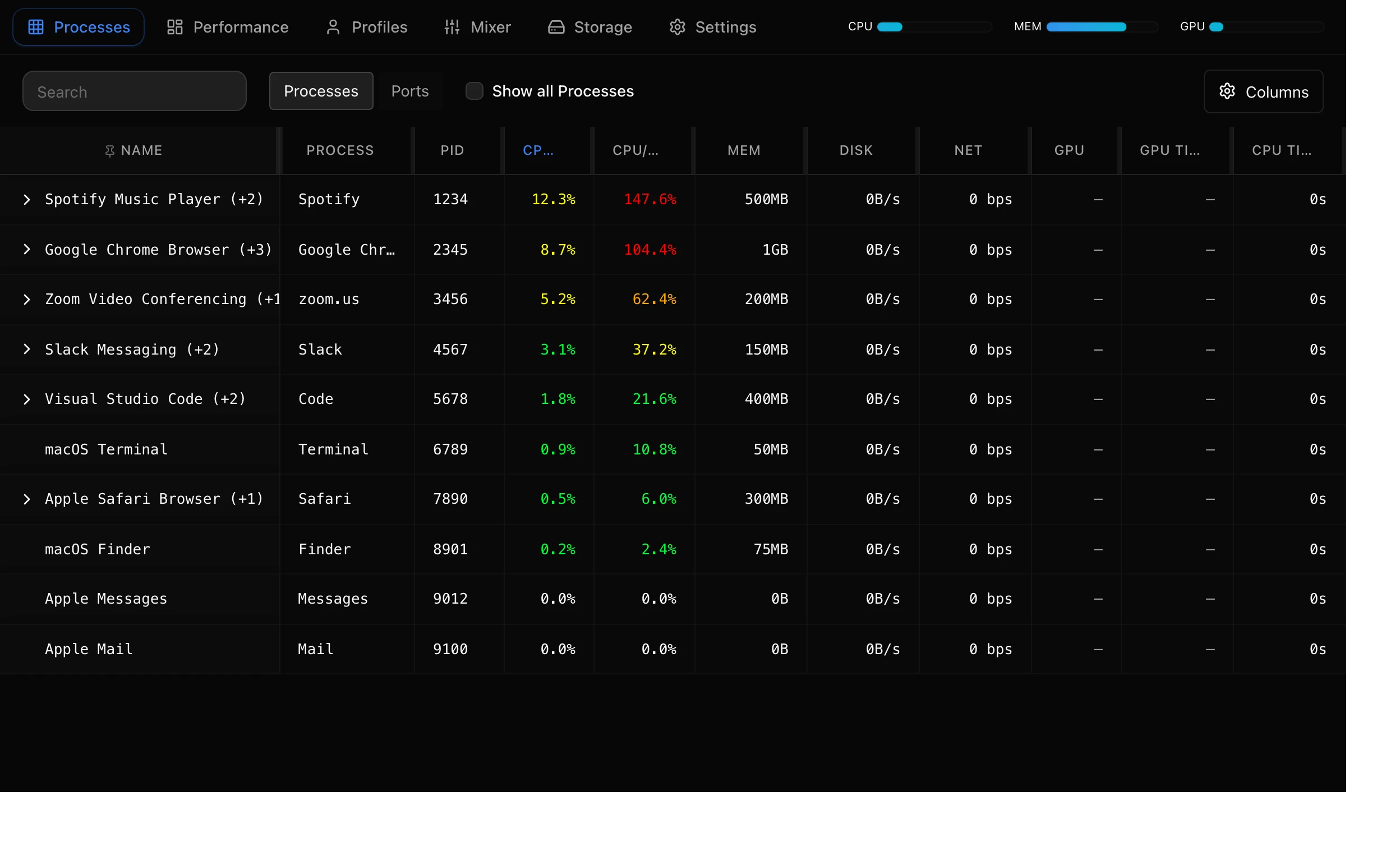
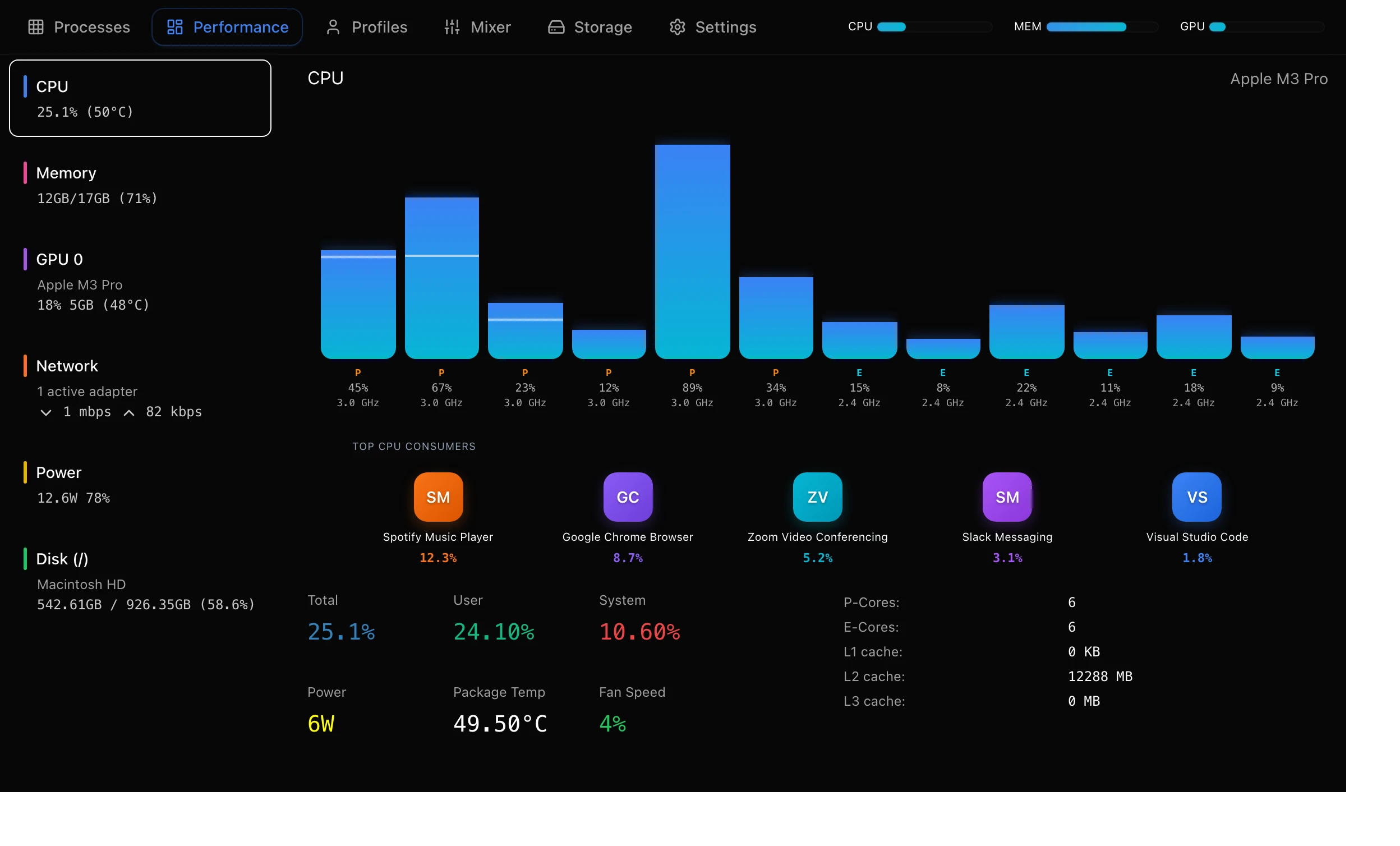
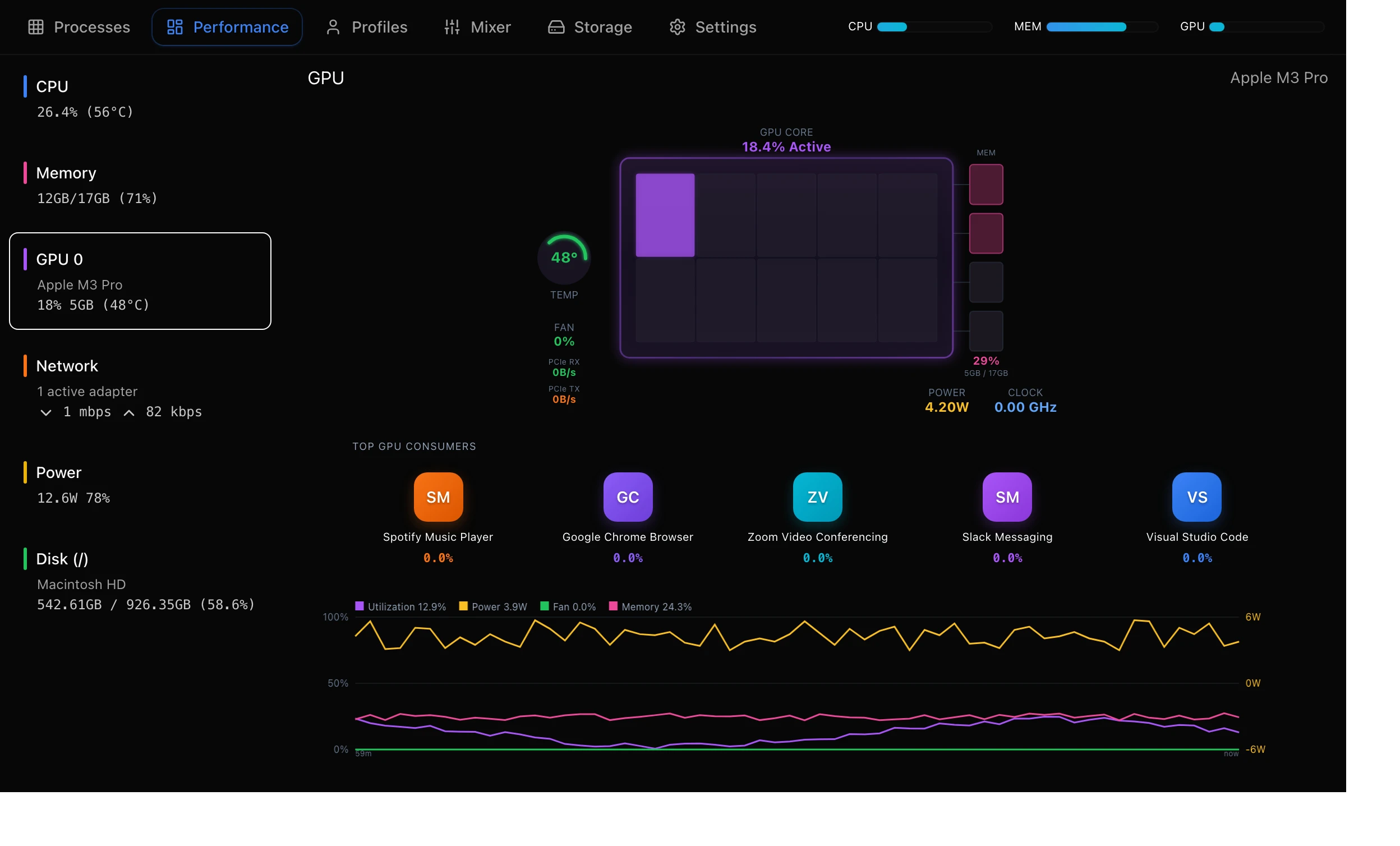
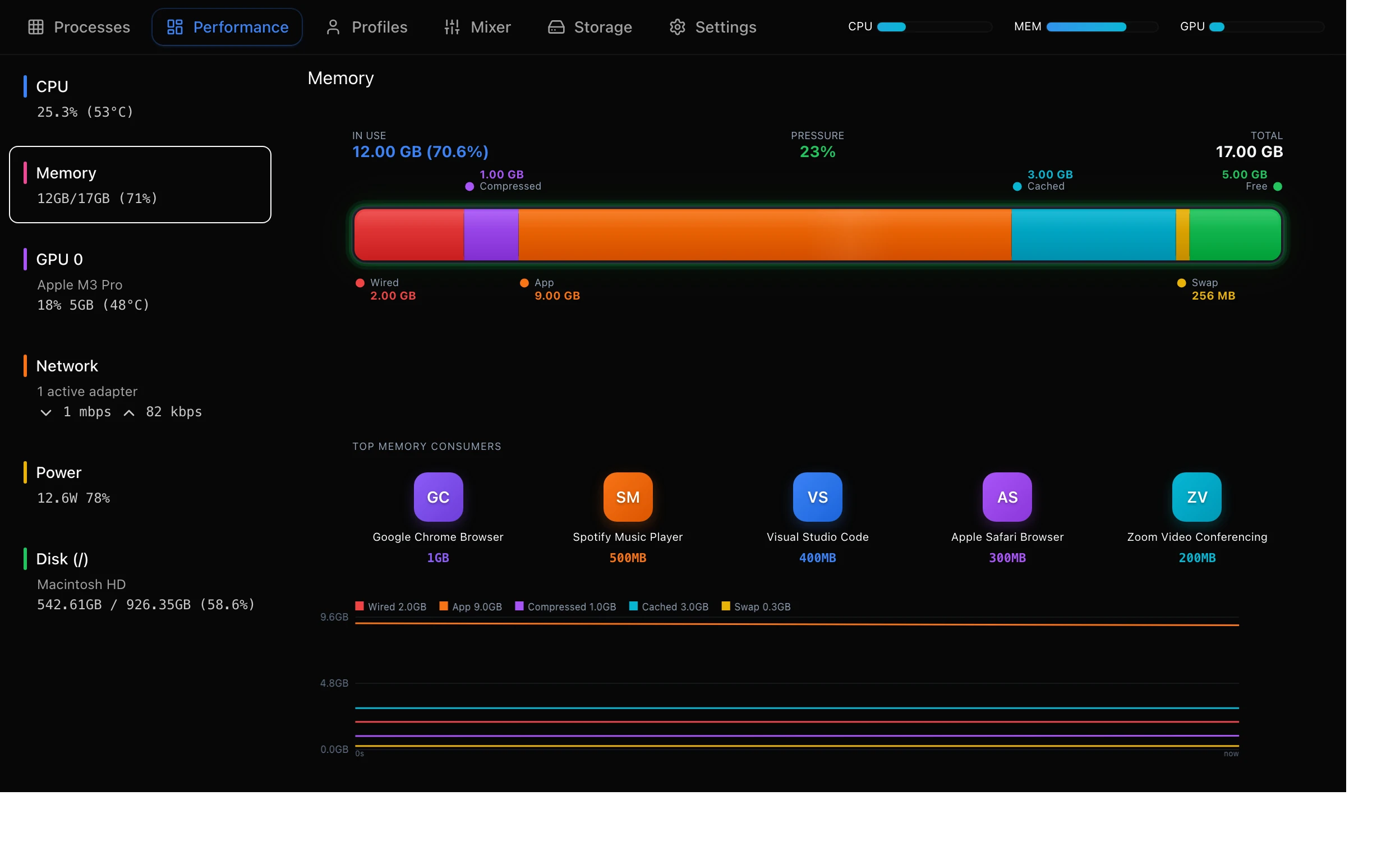
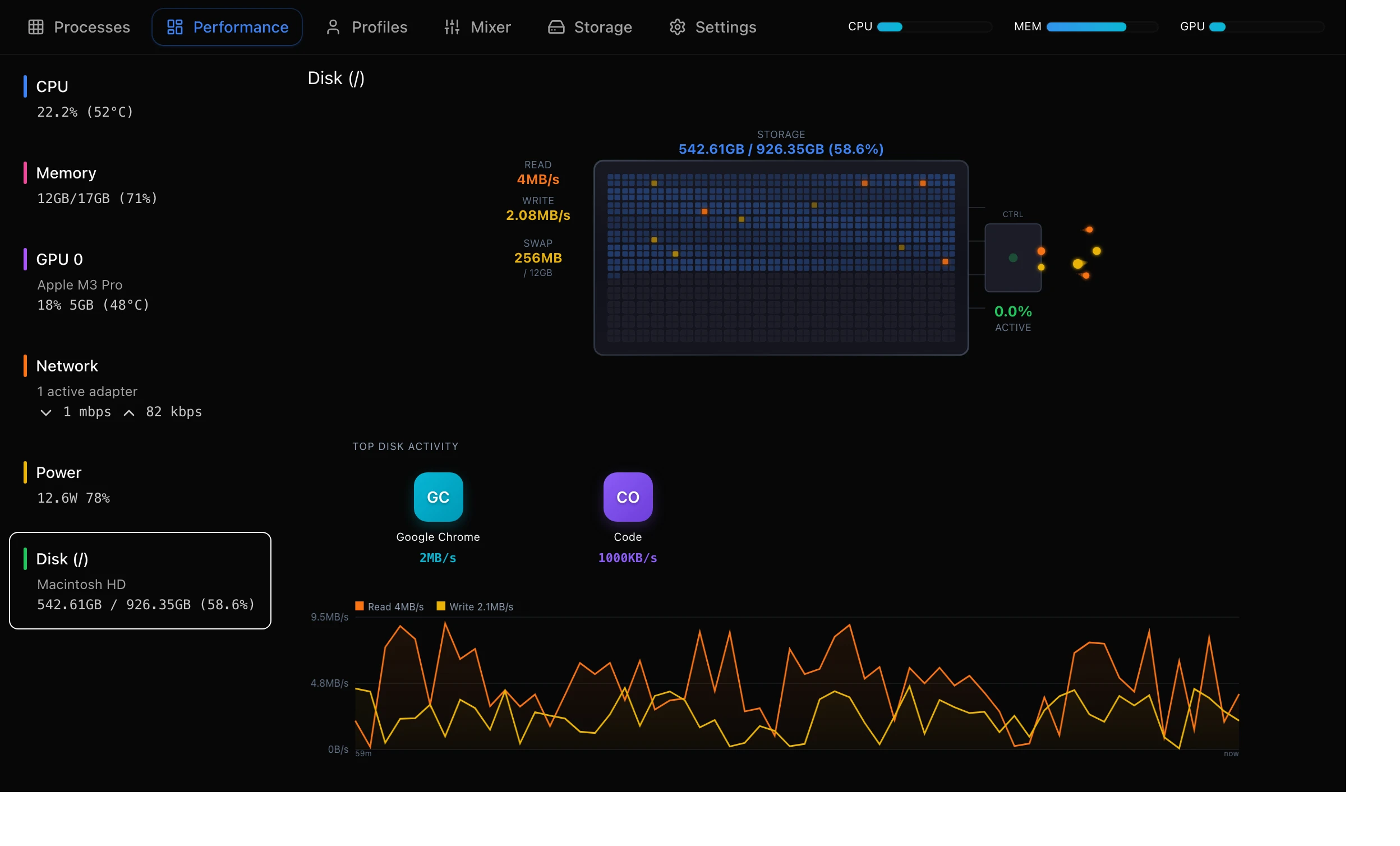
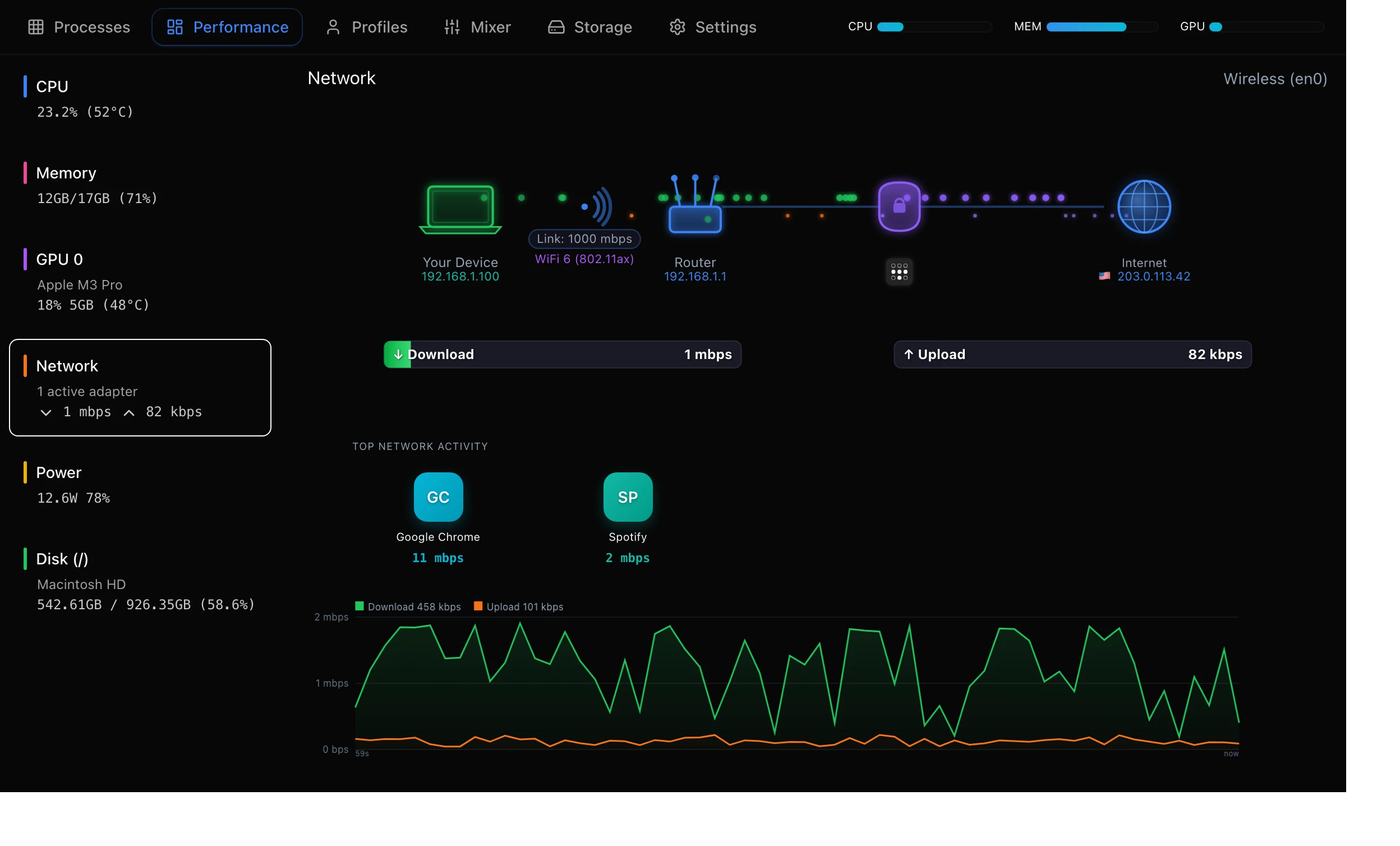
A live view of your whole machine: CPU cores, memory, GPU, disk, network and power. Sort by what's hurting you, then act on it in one click.
Kill, suspend & re-prioritise any process
Per-process CPU, memory, GPU, disk & network
Energy impact ranking for every process
Parent-child process hierarchy
Ports explorer — see what's listening
GPU
Memory
Disk
Network
Performance profiles
Set it once. It enforces itself.
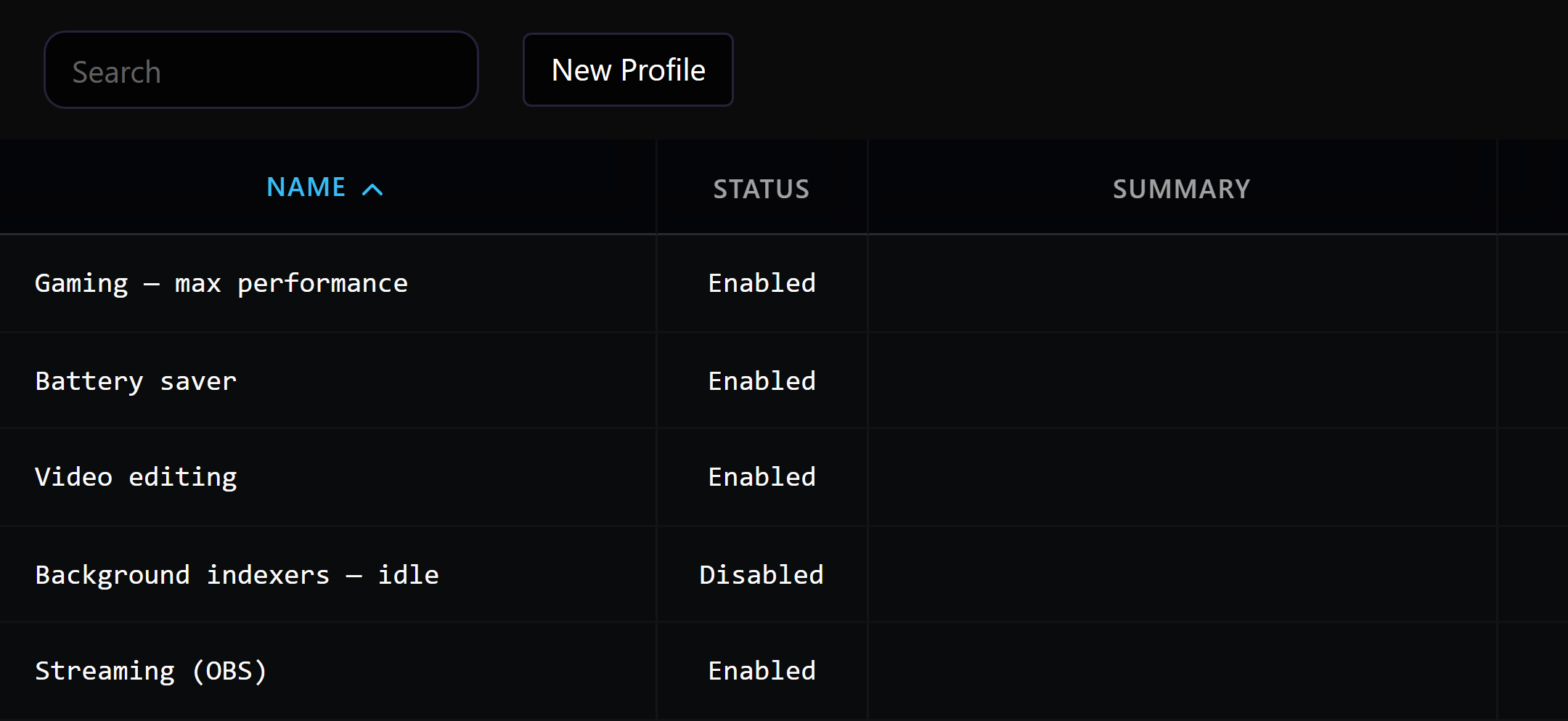
Save priority and CPU-affinity rules per app, match them with regex, and let Better Task Manager keep applying them in the background — no manual babysitting every time an app restarts.
Priority levels
Idle through Real-time — pin apps where they belong
CPU affinity
Assign processes to specific cores
Regex matching
One rule can target a whole family of processes
Auto-enforcement
Profiles re-apply themselves as processes come and go
macOS power suite
Hardware control the OS keeps to itself.
Direct SMC and Metal access for battery longevity, display brightness and cooling — features you'd normally need three separate apps for.
Battery control
PromacOS
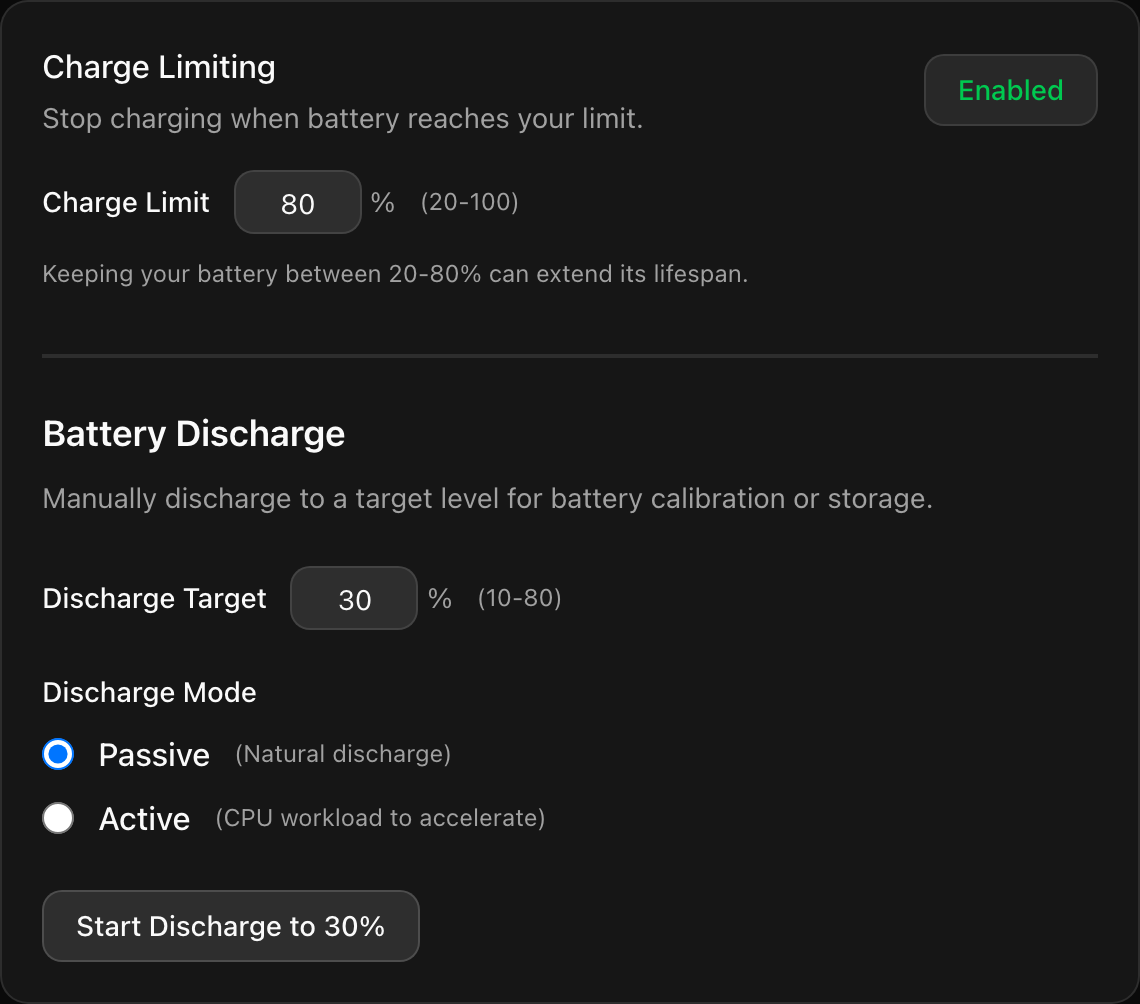
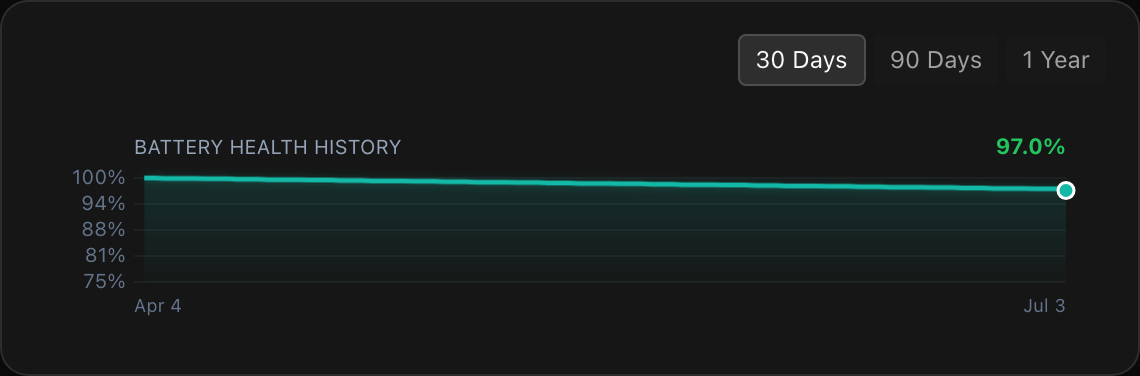
Cap the charge to protect long-term battery health, force a controlled discharge, and keep an eye on cycle count and charge history — straight from the SMC.
Charge limit
Health trend
XDR brightness boost
macOS
Push XDR displays past their normal ceiling with adaptive colour correction, rendered on Metal.
Fan control
macOS
Take manual control of fan speed to trade silence for cooling — or run cool under sustained load when it matters.
Audio mixer
A full mixing desk for your apps.
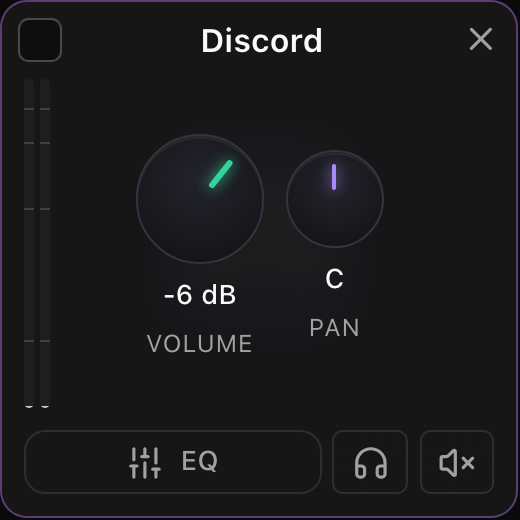
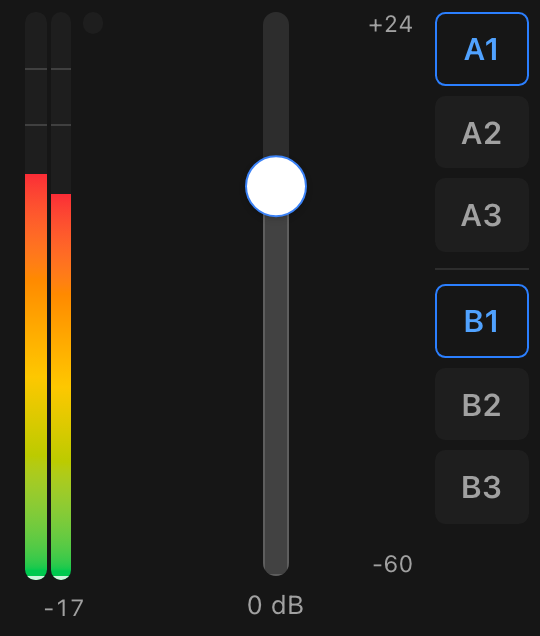
Independent volume, EQ and routing for every running app. Send a game to your speakers and a call to your headset, or pipe anything into a DAW or OBS — without touching System Settings.
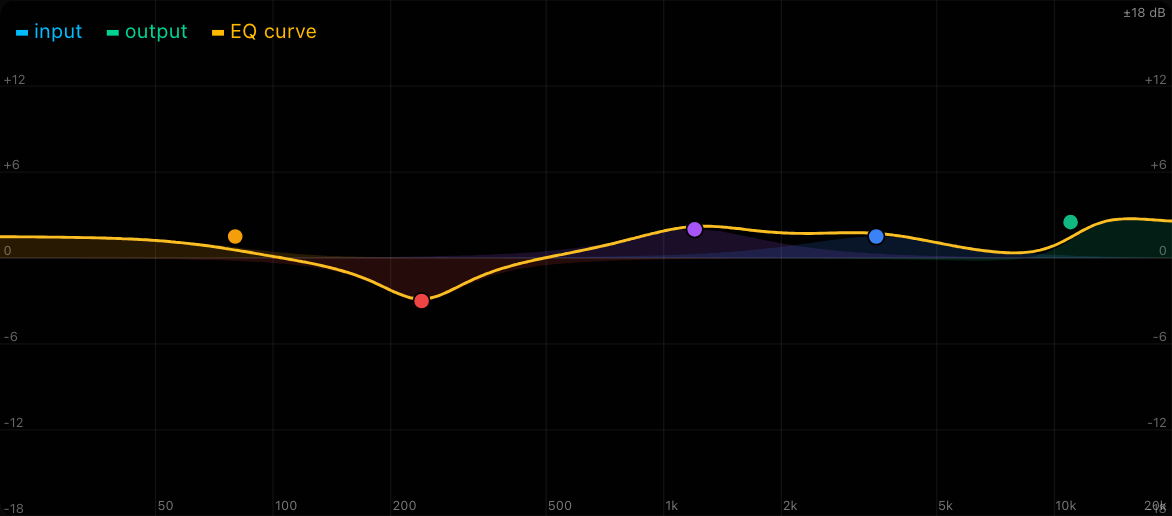
Per-app volume fadersMerge apps into one stripMulti-band parametric EQVirtual A/B routingRoute to DAWs & OBSSwitch device without System Settings
Parametric EQ
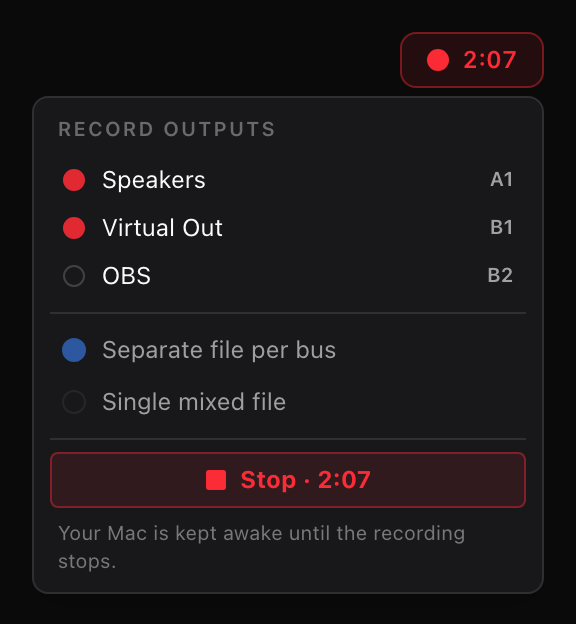
Recording
Routing
Folder cleanup
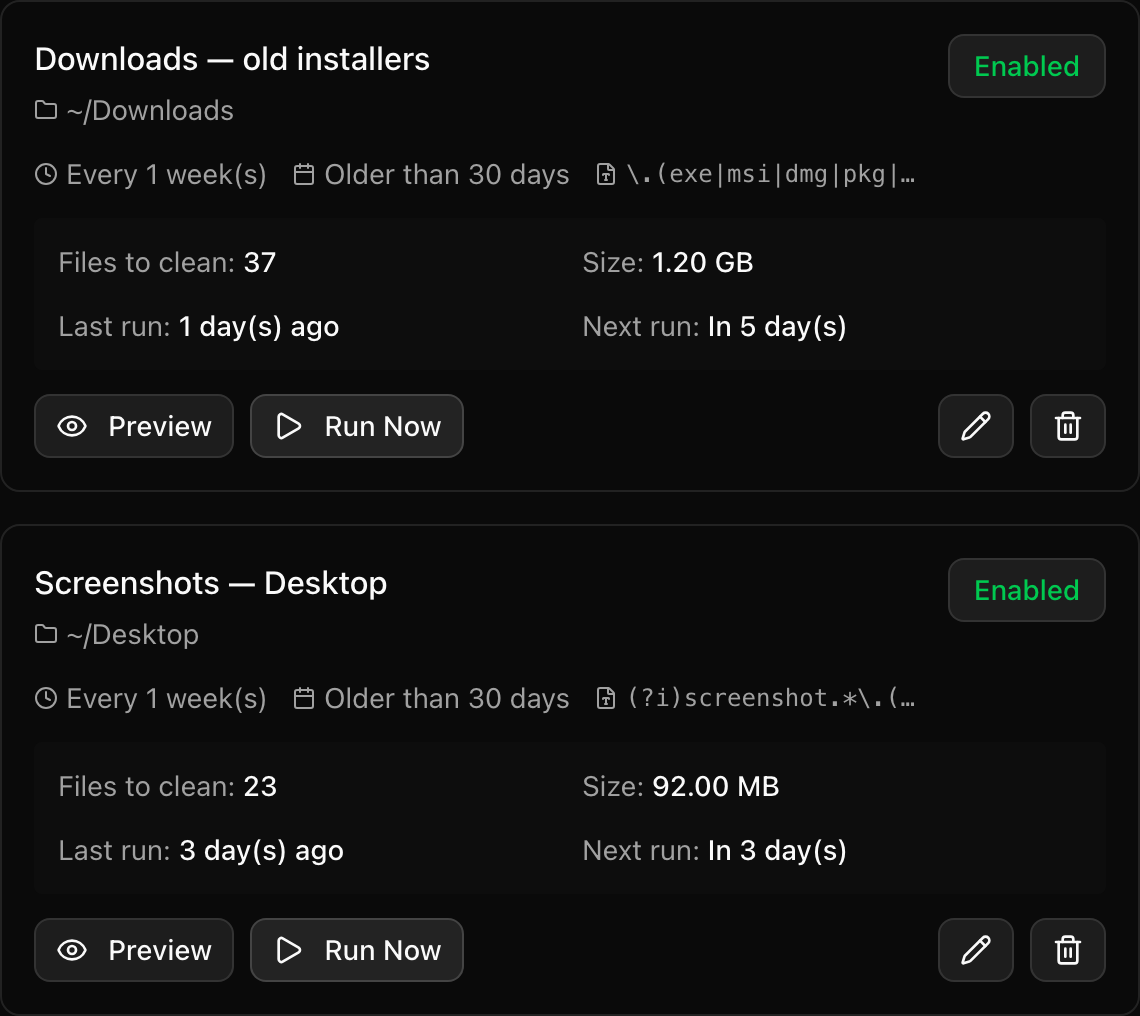
Automated tidying, on your rules.
Rule-based cleanup by age, extension and size — scheduled hourly to monthly. Files go to the Trash, never a hard delete.
Storage insights
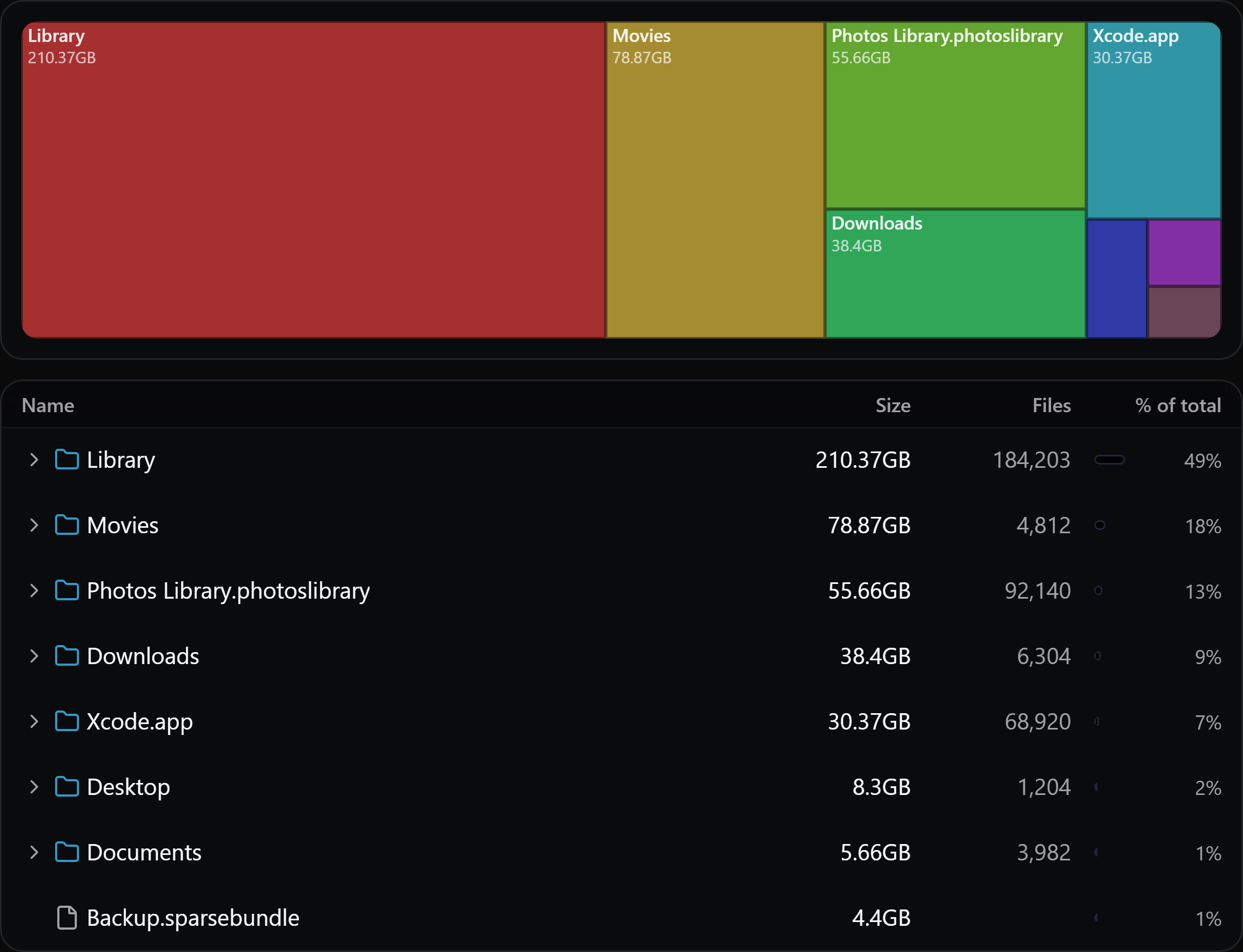
See exactly where the space went.
Per-volume overview and a drill-down treemap explorer — find the biggest offenders on any disk in seconds. A cross-platform WizTree alternative.
Stability hardened
Stays up when everything else stalls.
Survives the roughest performance hiccups — unlike the native Windows Task Manager, macOS Activity Monitor and Linux System Monitor.
Extreme load handling
Handles heavy system load and memory pressure without freezing
Always responsive
Instantly responsive UI even when your system is struggling to breathe
Lightweight
Minimal resource usage — runs efficiently without draining your system
Built in Rust
Memory-safe by design, with no undefined behaviour or memory leaks
Simple, Transparent Pricing
Free forever for the essentials. Upgrade for the power features.
The task manager, activity monitor and system monitor alternative — answered.
What is the best Windows Task Manager alternative?
Better Task Manager is a modern, free alternative to the native Windows Task Manager. It shows real-time per-process CPU, memory, GPU, disk and network usage, lets you kill, suspend and re-prioritise processes, assign CPU affinity, and save performance profiles that re-apply themselves automatically. It's built in Rust and stays responsive under heavy system load, where the native Task Manager often freezes.
Is there a better alternative to macOS Activity Monitor?
Yes. Better Task Manager is a cross-platform alternative to macOS Activity Monitor with a live view of every process — CPU, memory, GPU, disk, network and energy impact — plus macOS-only hardware control that Activity Monitor lacks: battery charge limiting, XDR display brightness boost, and manual fan control. It replaces Activity Monitor, AlDente and BetterDisplay in a single app.
What can I use instead of the Linux System Monitor?
Better Task Manager is a cross-platform process manager that runs on Linux as well as macOS and Windows. It provides real-time system monitoring, a process hierarchy view, a ports explorer, and performance profiles with regex matching — a modern alternative to the default GNOME/KDE System Monitor.
Is Better Task Manager free?
Yes. The core process manager — the process list, CPU/RAM/disk usage, killing and suspending processes, performance graphs, the audio mixer and performance profiles — is free forever with no account required. A Pro license (£5 per device per year, with a 7-day free trial) unlocks battery charge limiting and discharge control on macOS.
Which platforms does Better Task Manager support?
Better Task Manager runs on macOS, Windows and Linux — a single cross-platform app rather than three separate tools.
Can it limit battery charge, control fans, or boost display brightness?
On macOS, yes. Better Task Manager talks directly to the SMC and Metal to cap battery charge and force a controlled discharge for long-term battery health (an AlDente alternative), take manual control of fan speed, and push XDR displays past their normal brightness ceiling with adaptive colour correction (a BetterDisplay alternative) — features the operating system normally keeps to itself.
Does it also include an audio mixer?
Yes. Better Task Manager includes a full per-app audio mixer with independent volume, multi-band parametric EQ and virtual routing — send a game to your speakers and a call to your headset, or pipe any app into a DAW or OBS, without touching System Settings.
Is there a cross-platform WizTree alternative for disk space?
Yes. Better Task Manager includes a storage tree — a disk space analyzer with a per-volume overview and a drill-down treemap explorer that finds the biggest folders and files on any disk in seconds. Unlike WizTree, which is Windows-only, it runs on macOS, Windows and Linux, and pairs with rule-based folder cleanup to actually reclaim the space. It's a cross-platform alternative to WizTree, WinDirStat and DaisyDisk.
Is Better Task Manager safe and lightweight?
It's built in Rust, which is memory-safe by design with no undefined behaviour or memory leaks. It uses minimal system resources and stays instantly responsive even under extreme load and memory pressure.